A steady practice, one day at a time.
Sadhana Sevak brings your whole daily practice — chanting, hearing, study, seva — into one calm place that stays out of your way. Less time tracking, more time practicing.
Free. No account. No ads.
Begin with a single tap
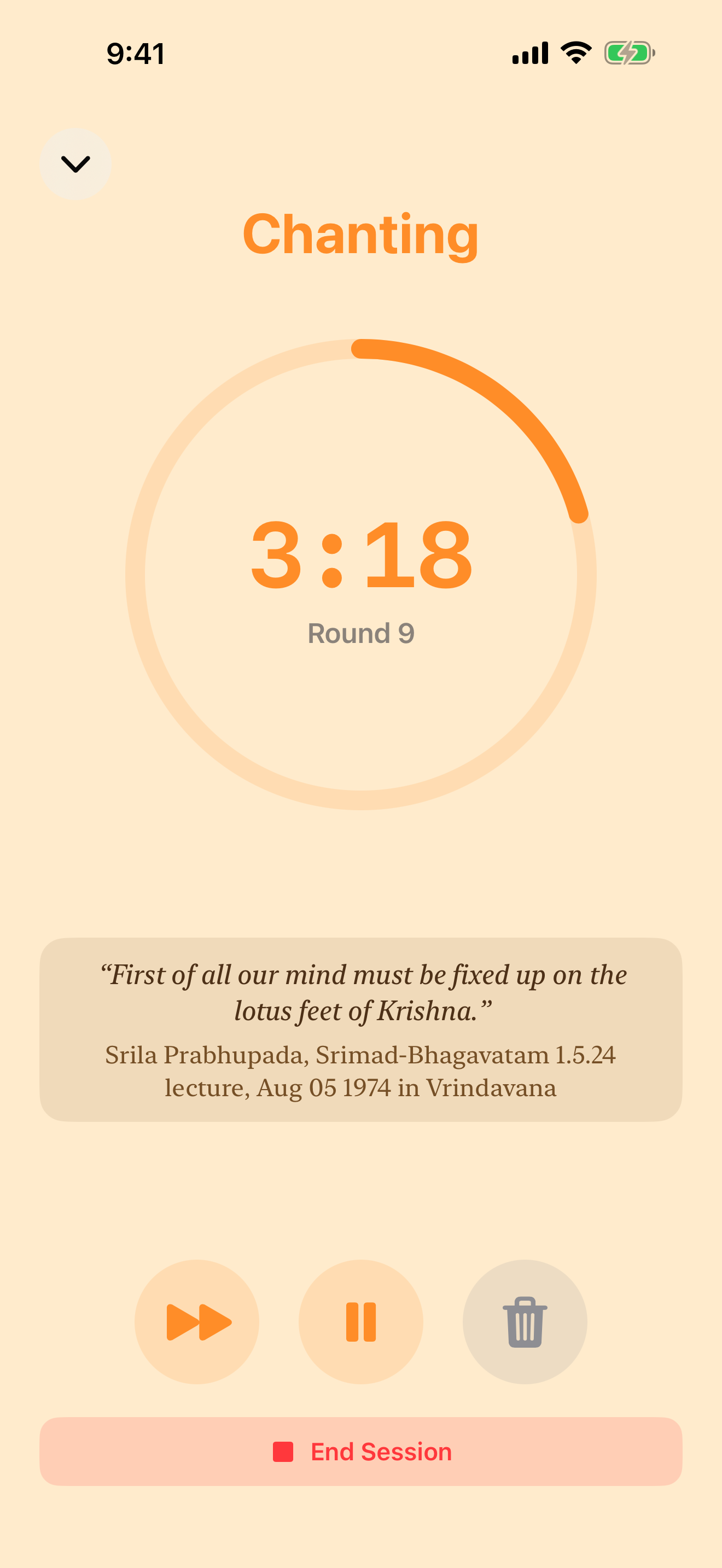
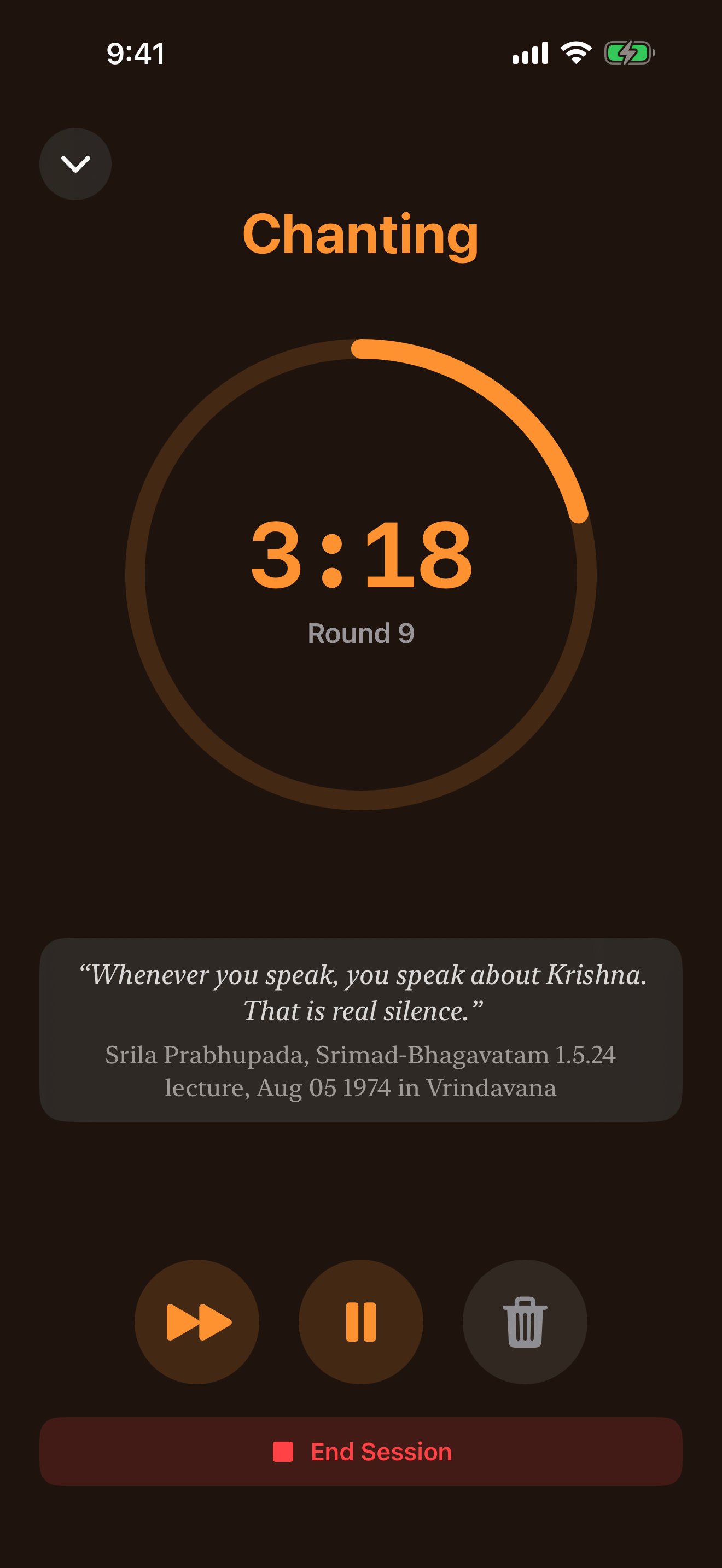
Start a session and let the app count with you: a chanting ring that fills round by round, and a full-screen focus view with nothing else on it. On iPhone, your current round also shows on the Lock Screen and in the Dynamic Island; on Apple Watch you can count rounds from your wrist.
Lock Screen, Dynamic Island and Apple Watch: iPhone only.
Every part of your sadhana
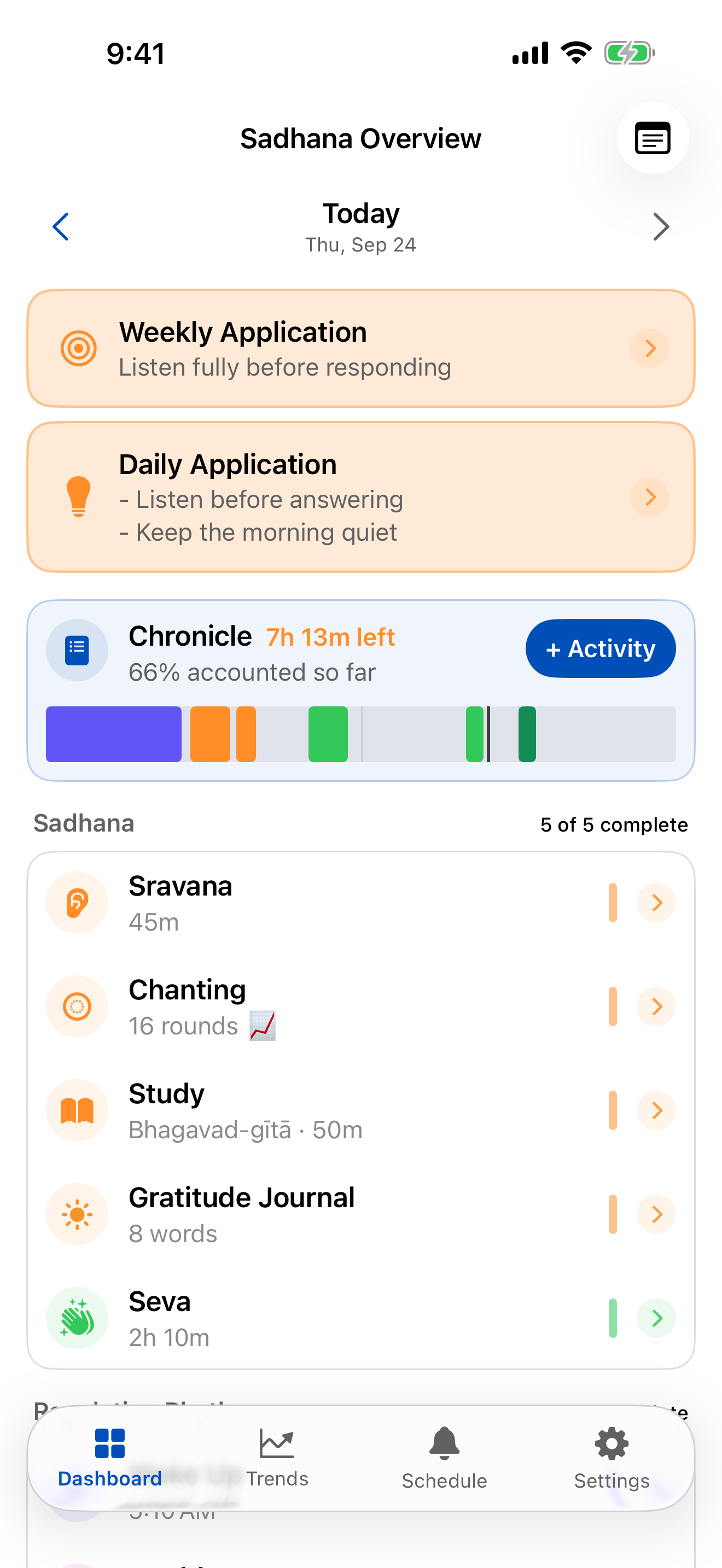
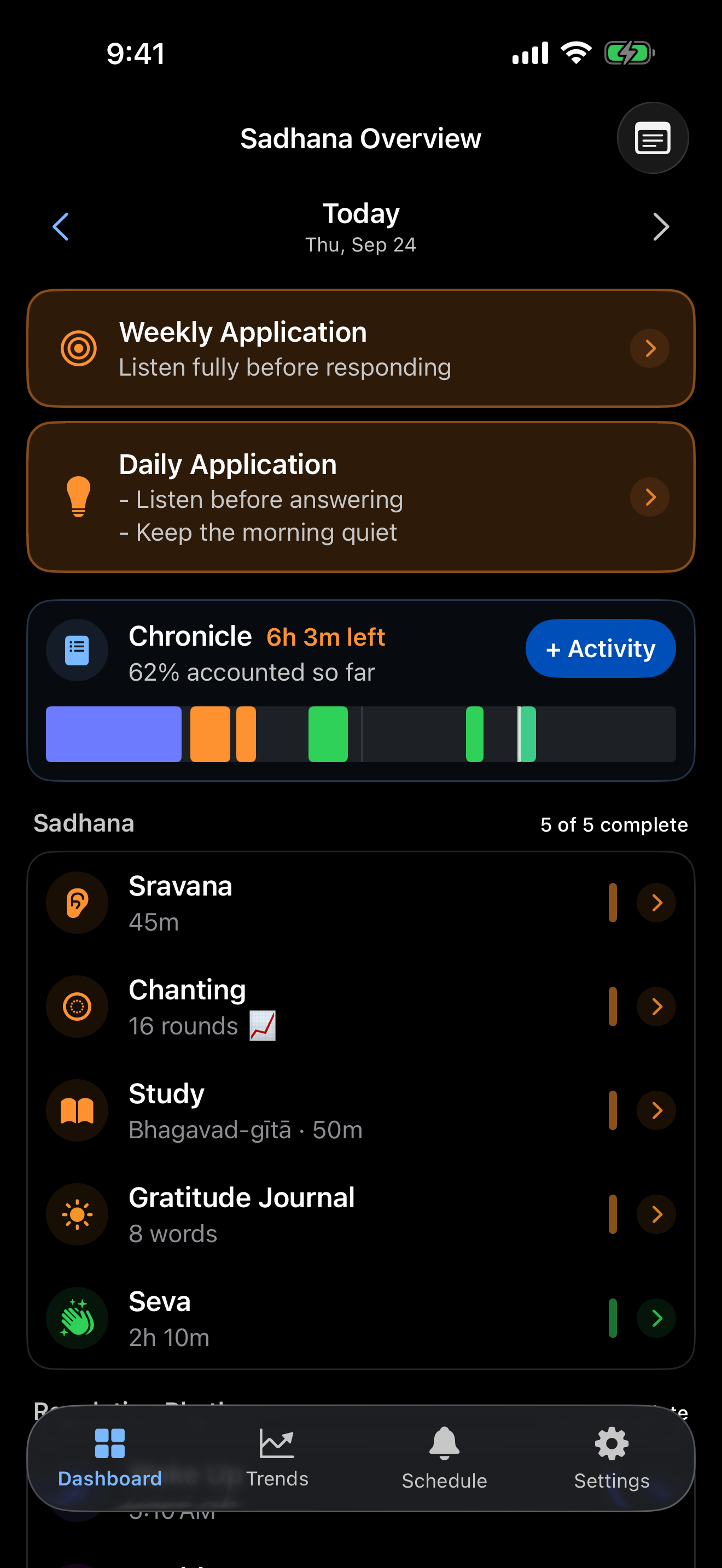
- Chanting — rounds and time, with a live counter and corrections when you need them.
- Sravana — hearing sessions, with written reflections.
- Study — books, time spent and notes, in a clean writing editor.
- Seva — each service you offer, with its time.
- Gratitude, health and rhythm — wake and sleep times, water, mood and exercise, plus custom activities for anything else in your day.
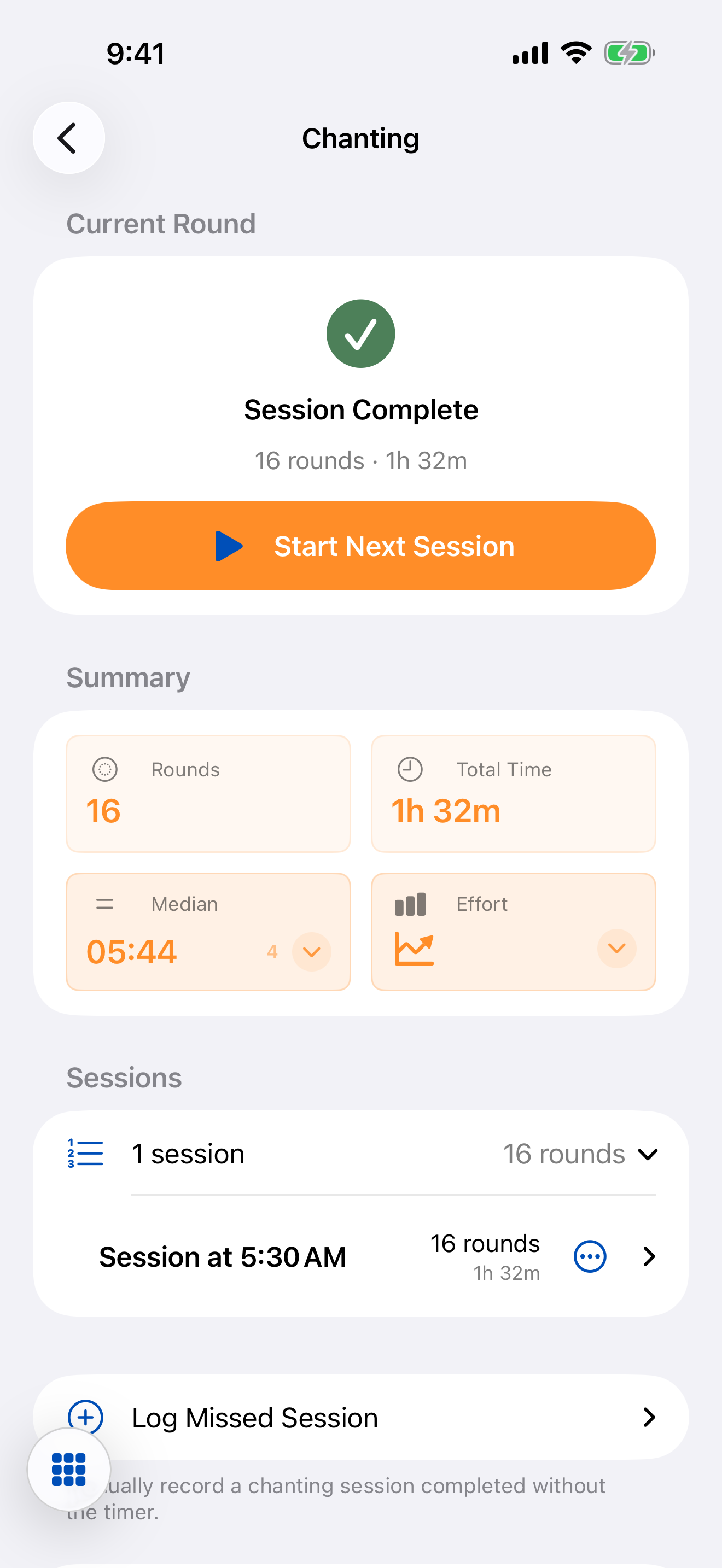
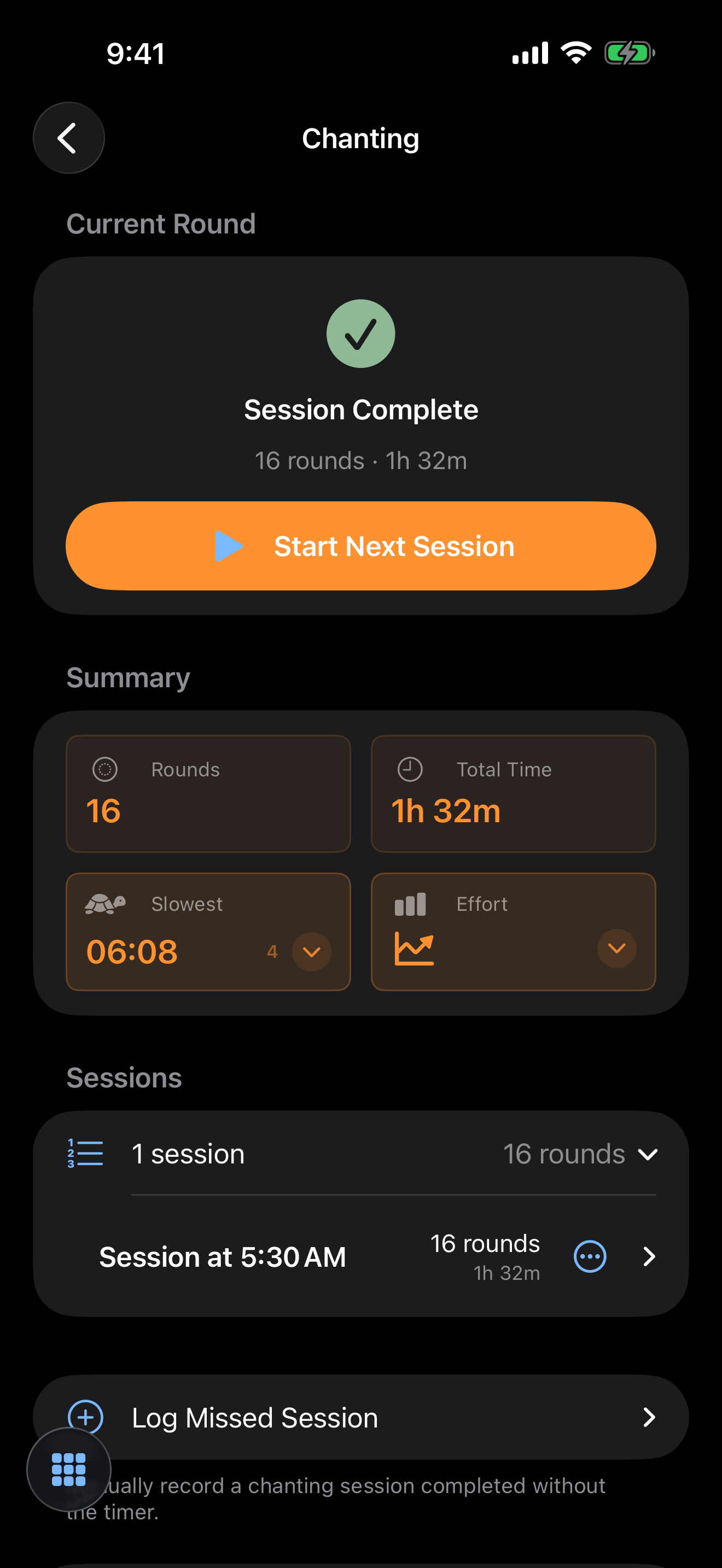
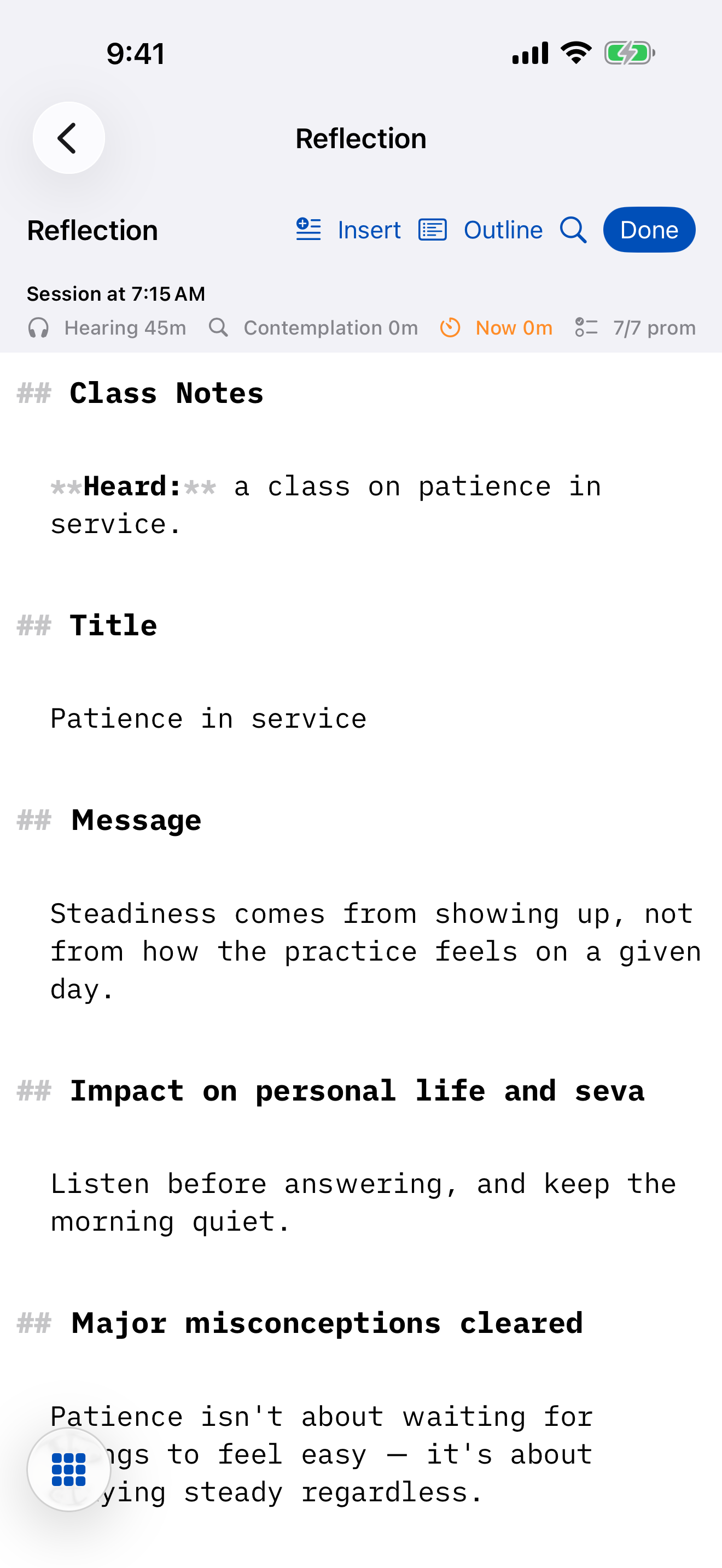
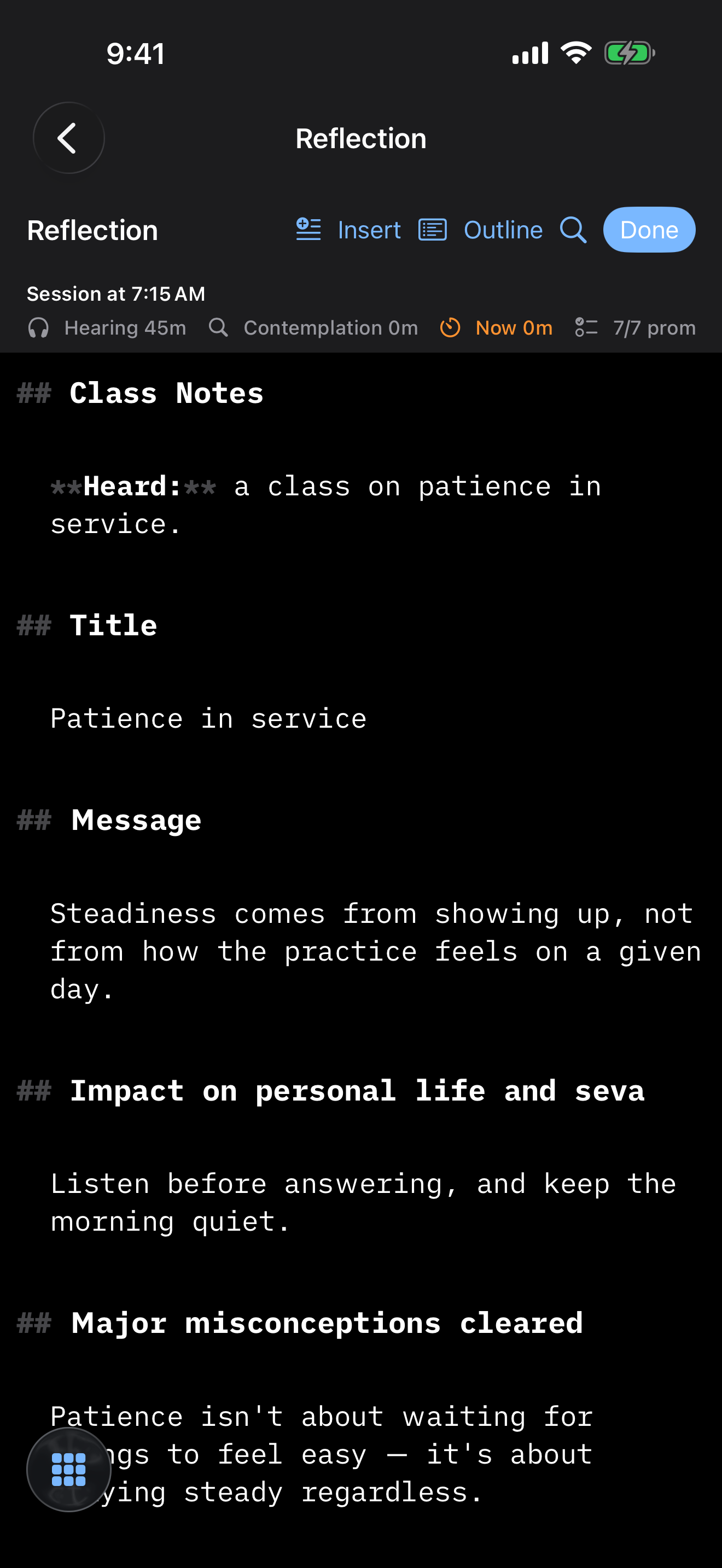
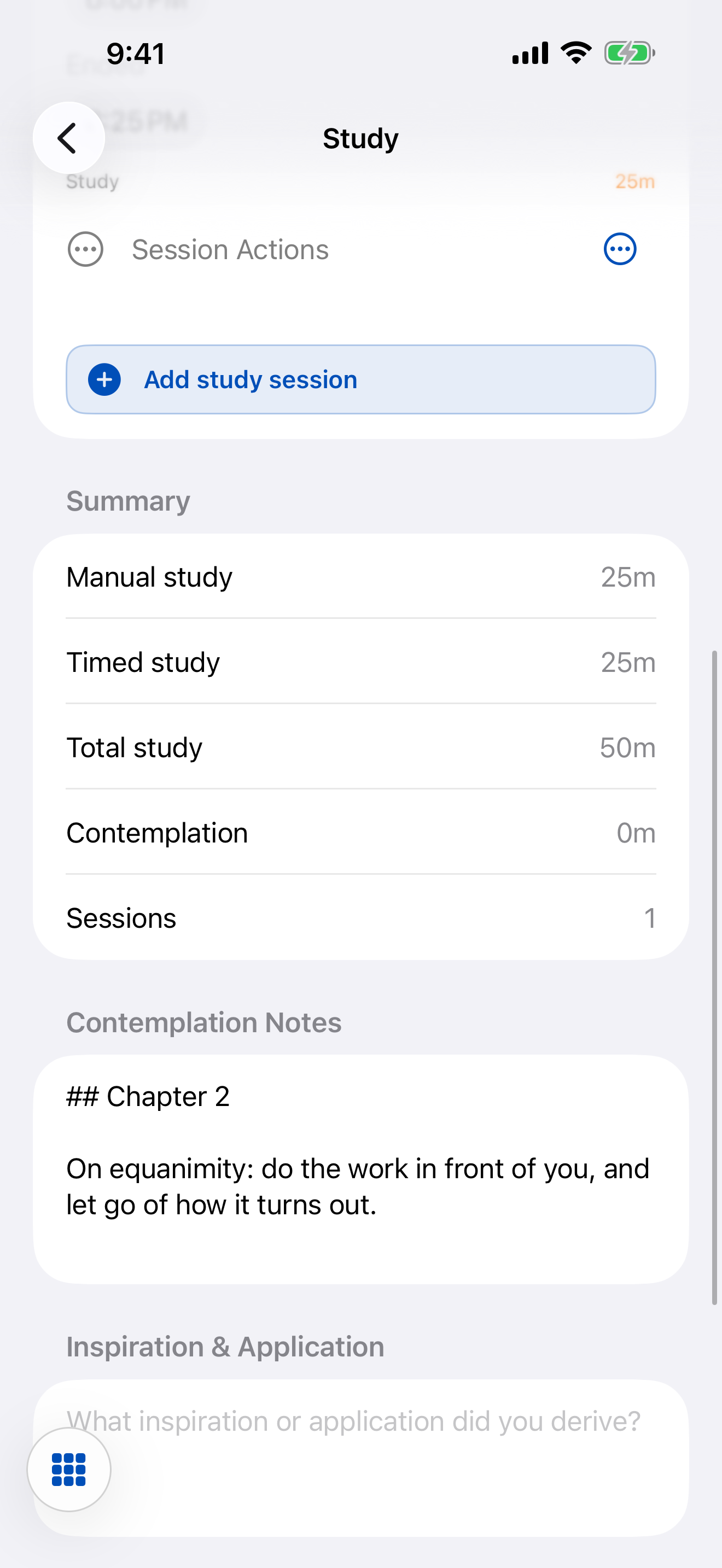
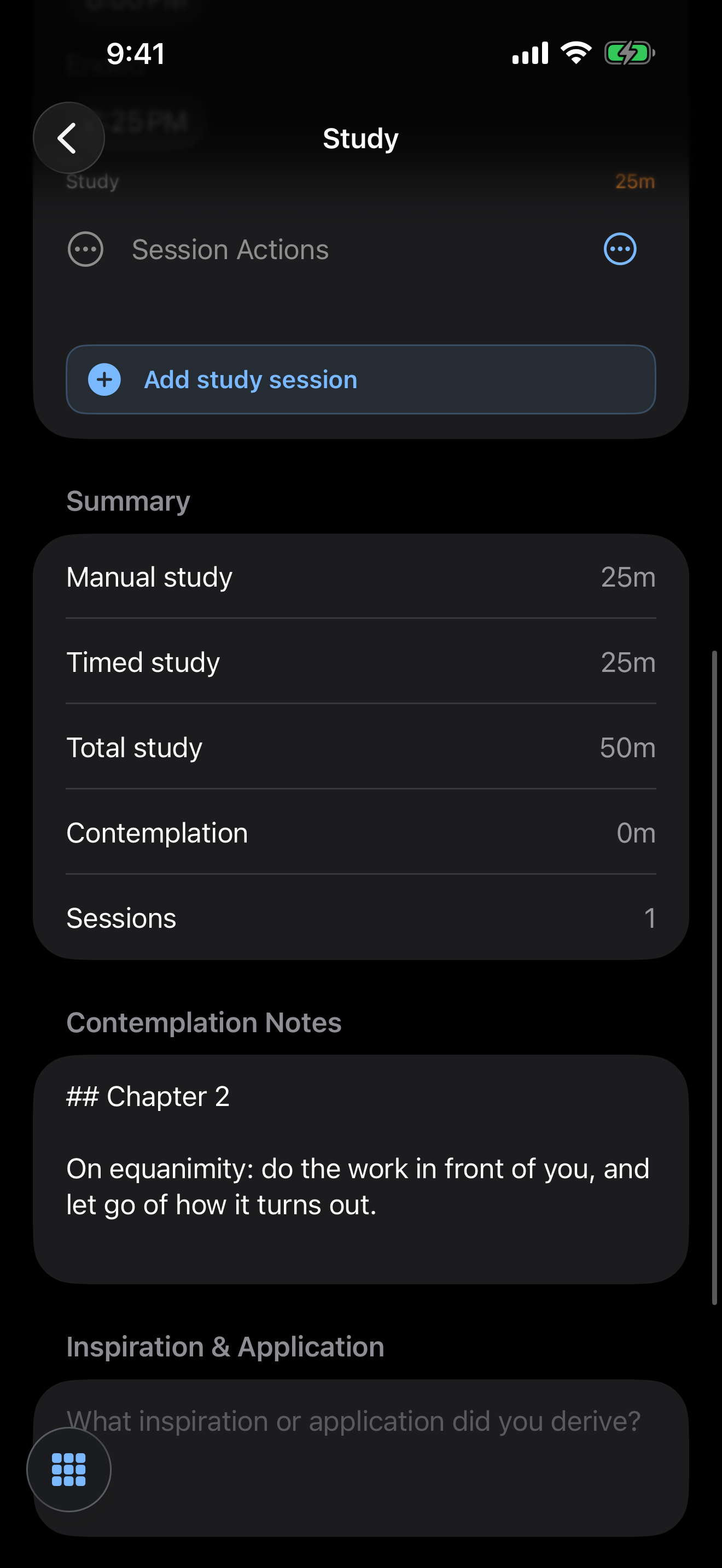
See your practice take shape
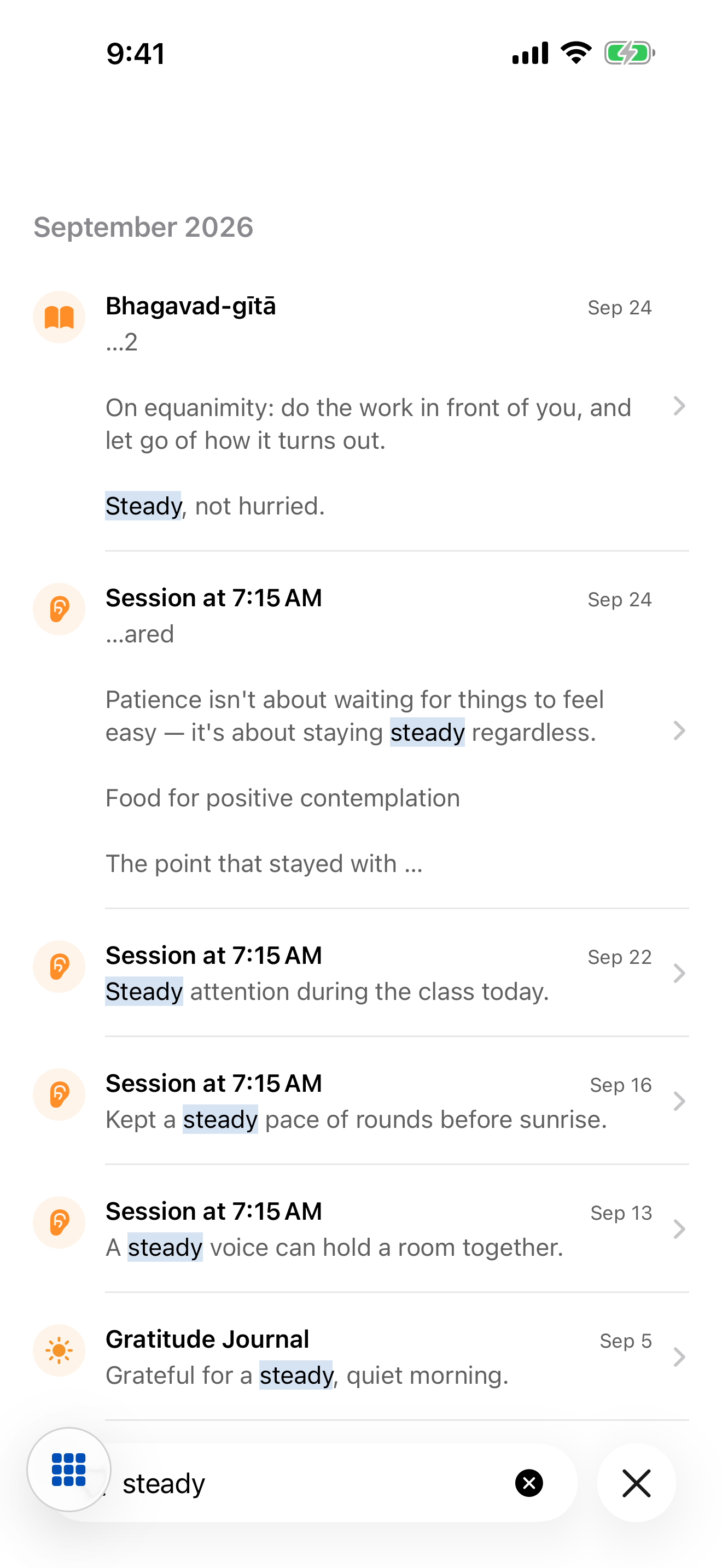
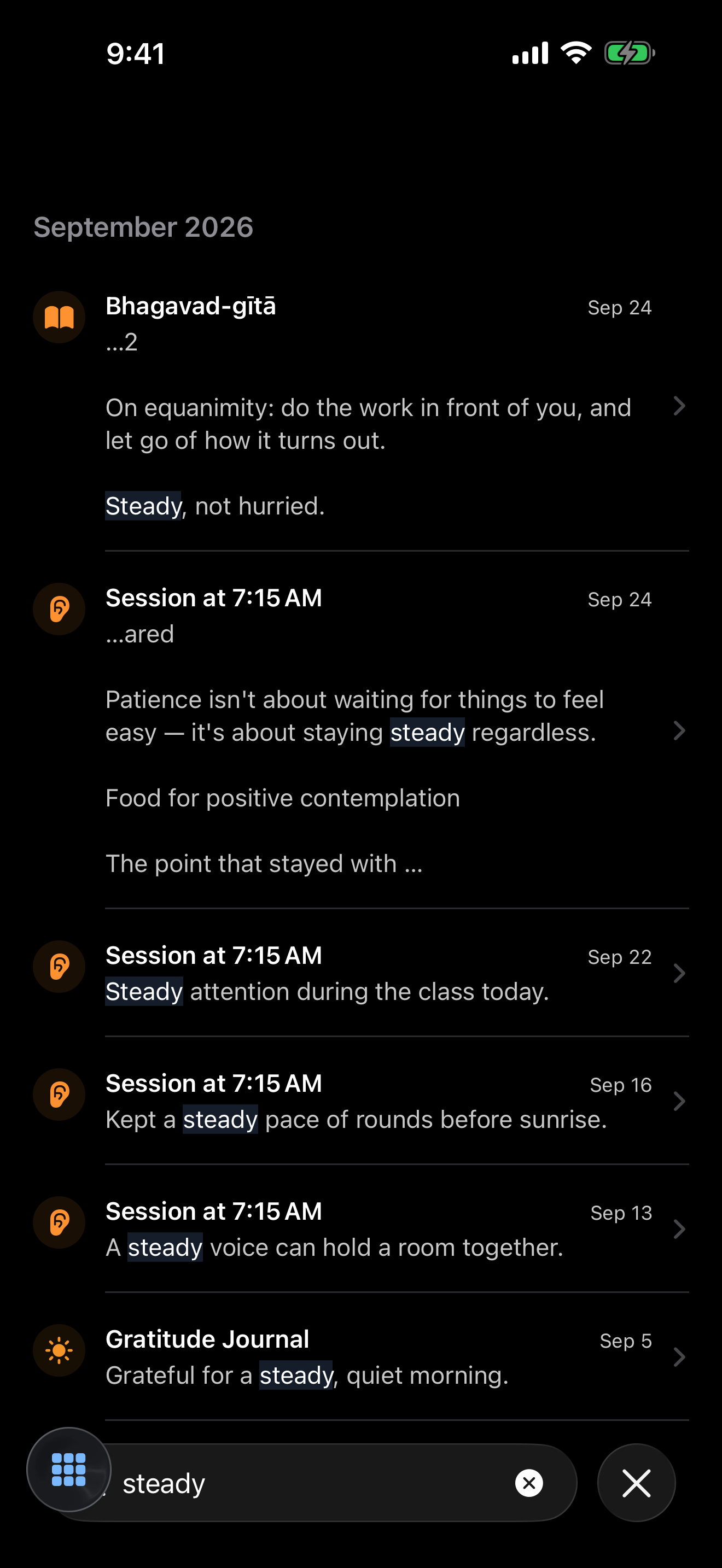
Today at a glance on the dashboard. Every past day in the Chronicle. Your week and month in Trends. Search every note you've written — hearing, study and gratitude — in one place.
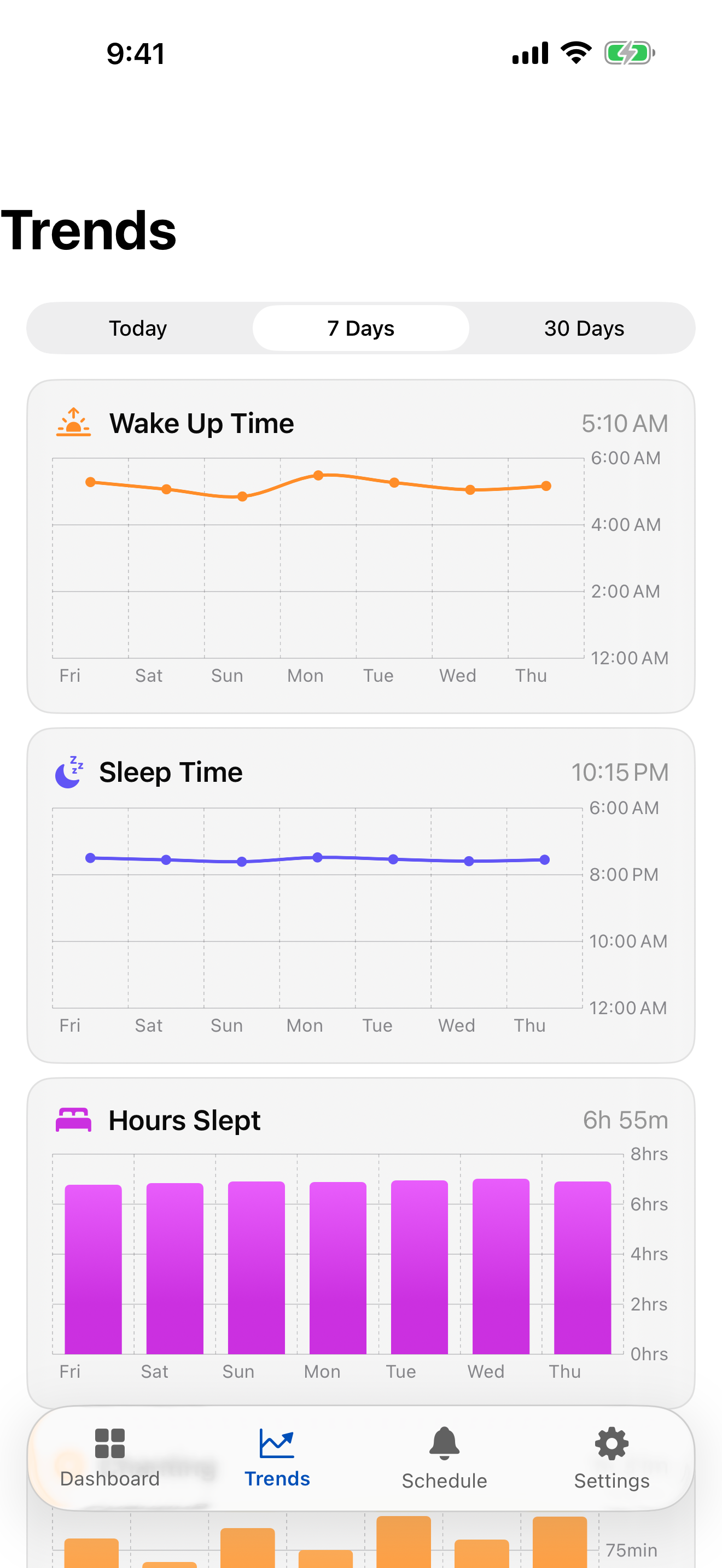
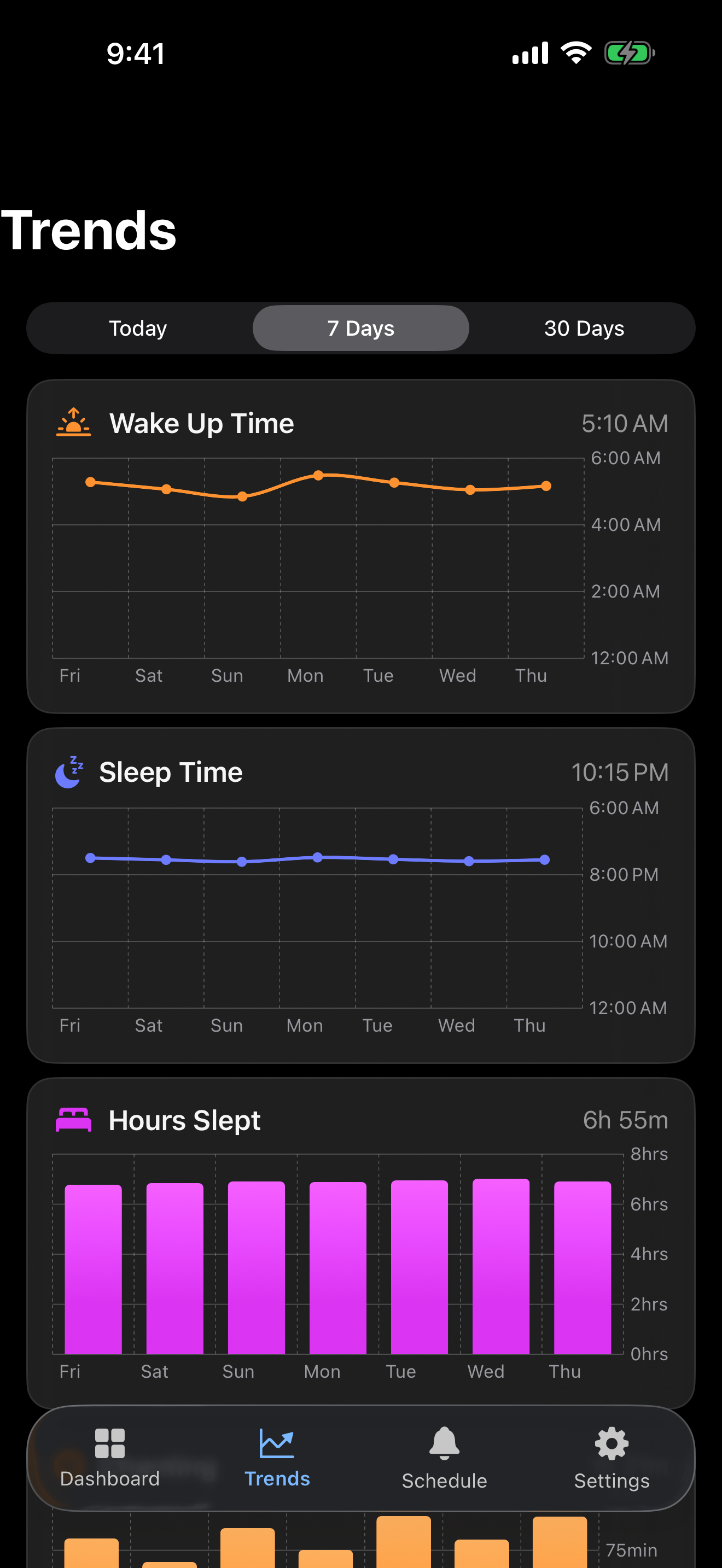
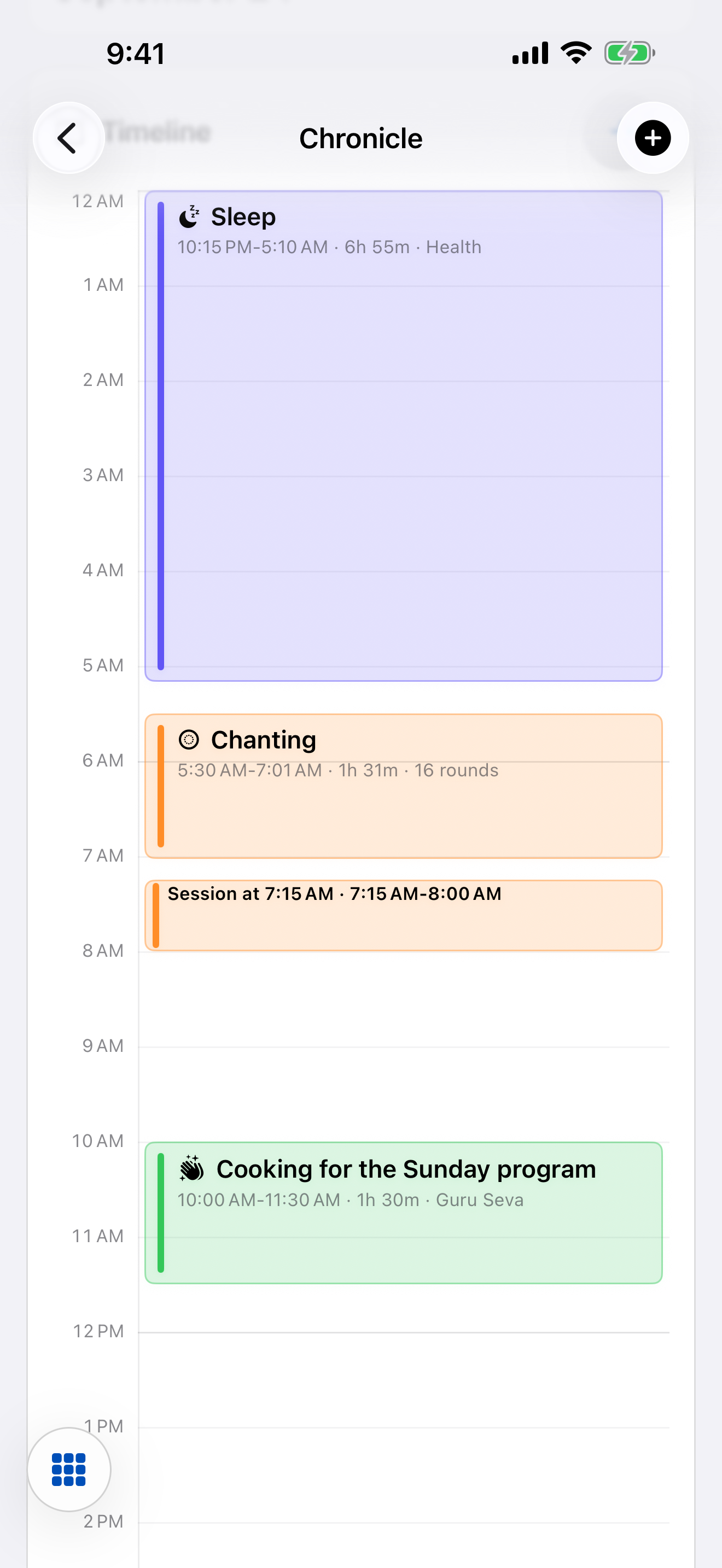
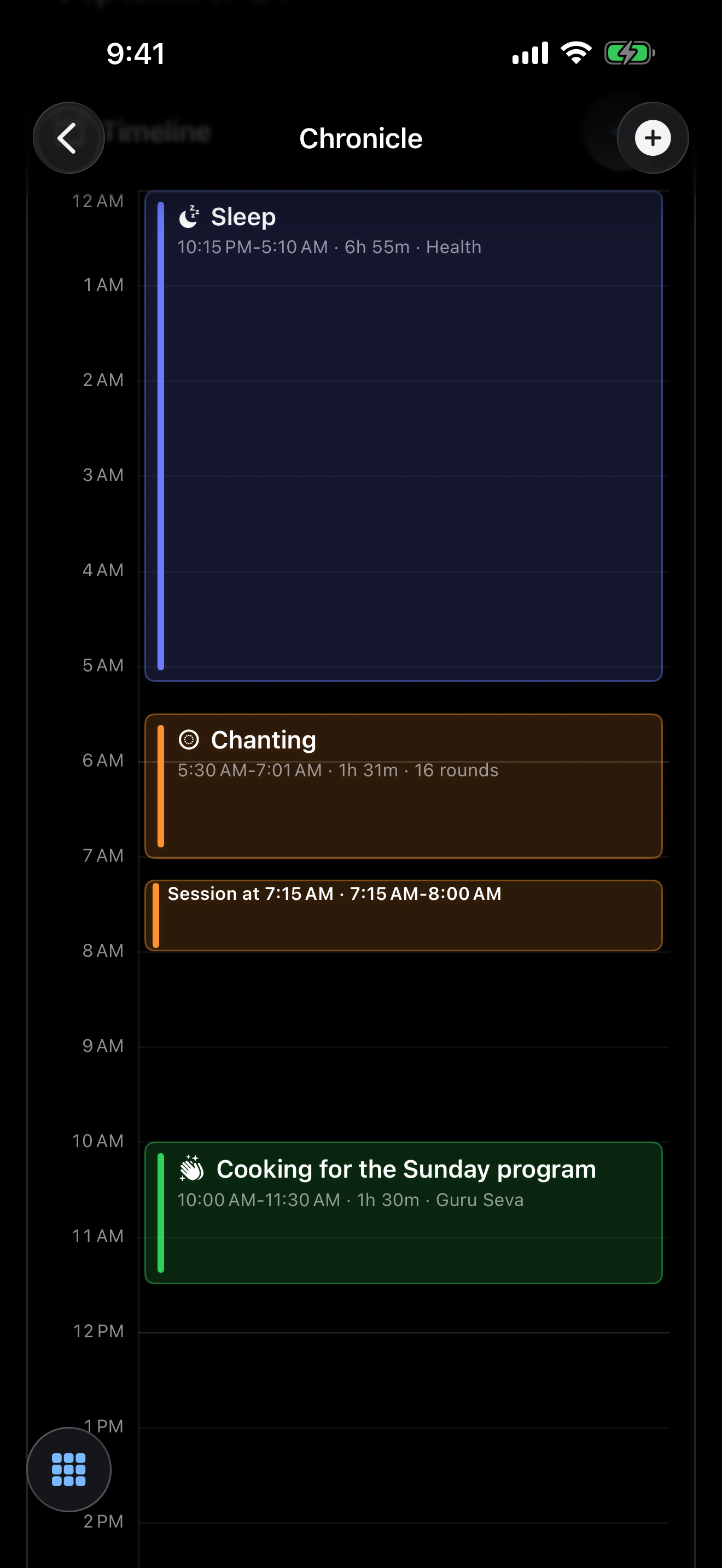
Chronicle: iPhone, iPad and Mac.
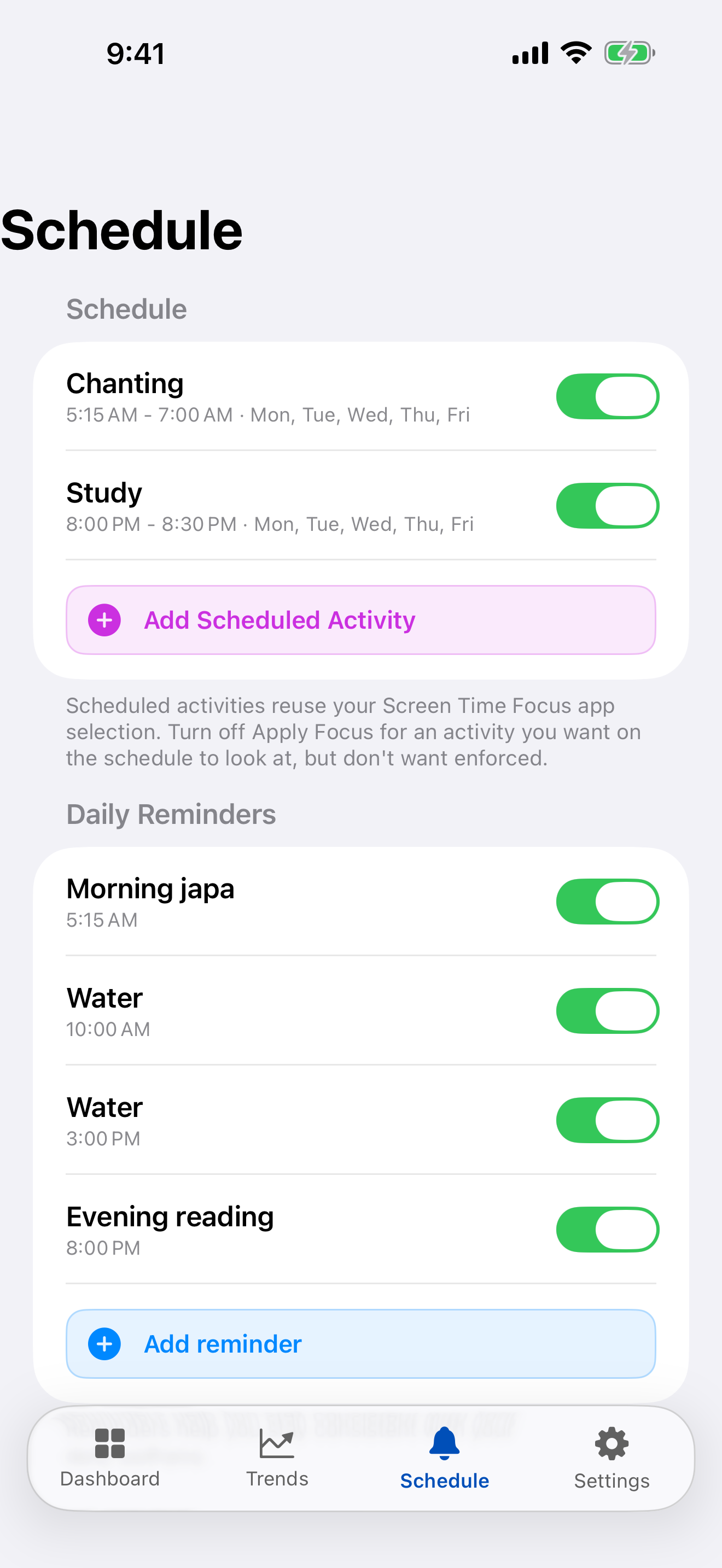
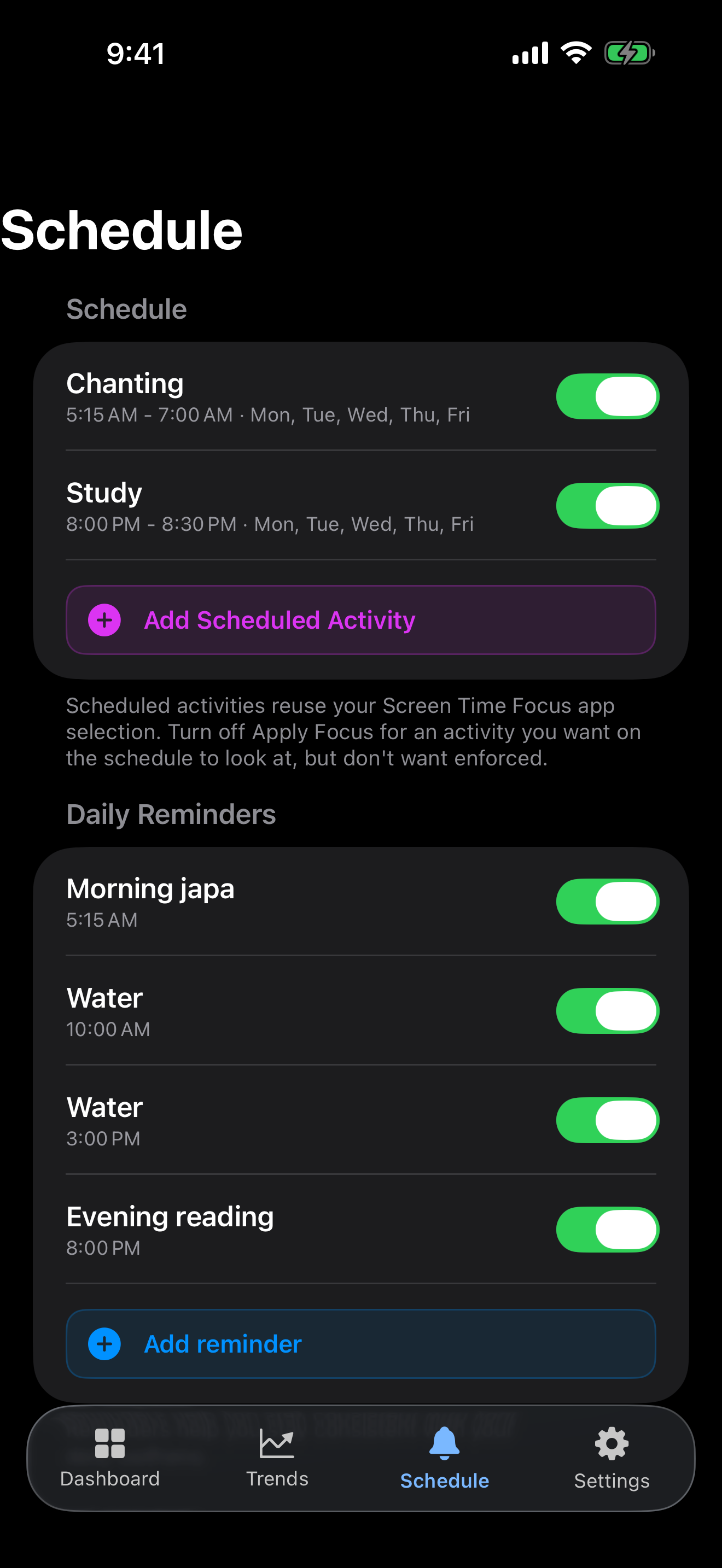
Make space for what matters
Gentle reminders keep the day on track. On iPhone and iPad, Sadhana Sevak can also set Screen Time limits on apps you find distracting while you practice. If you open one, you see a quote instead. Schedule daily focus windows, or tie them to a Focus mode.
Screen Time and Focus: iPhone and iPad.
Walk with a guide
Share a private summary of your practice with a mentor through iCloud, and receive their guidance in the app. You choose who sees it, and you can stop sharing at any time.
Mentor sharing: iPhone, iPad and Mac.
Everywhere you practice
| Platform | What you get |
|---|---|
| iPhone & iPad | The full app, widgets, Live Activities, Siri and Shortcuts, Screen Time focus, Apple Health. |
| Mac | The full app, synced with your iPhone and iPad through iCloud. |
| Apple Watch | Count rounds from your wrist, synced to your iPhone. |
| Android | Chanting, hearing, study, seva, health, notes, trends and reminders, with home-screen widgets, Quick Settings tiles and Health Connect. |
Languages: English, Español, Français (Apple devices), हिन्दी, Русский.
Private by design
- No account. No sign-up. No ads. No analytics or tracking.
- No servers of ours. The app doesn't send your data to us.
- On Apple devices, your practice syncs through your own private iCloud. On Android, it stays on your phone.
- Apple Health and Health Connect are optional and on-device.
Support
Questions, ideas or something not working? Write to hello@cleanlogic.solutions. You can attach the app's support log from Settings. It removes personal details before you share it, and it is only sent if you choose to share it.